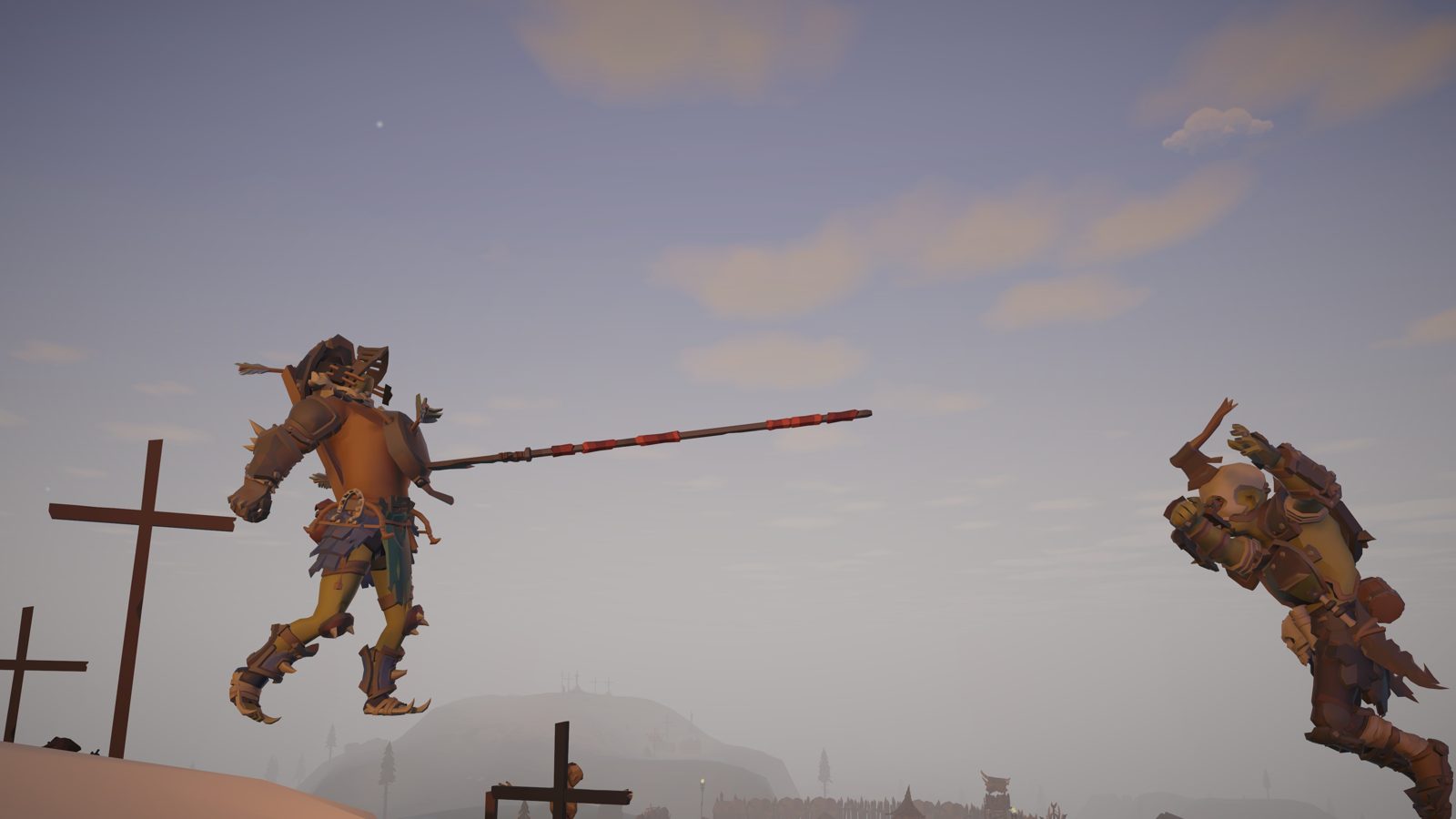
Goblin Royale
A hundred goblins, one island, one winner. Loot, fight, team up and outlast the closing fog.
- 100 players
- Free alpha
- Mac & Windows
Install it from the launcher, then press Play.
 Dave Cooks Games
The Dave Cooks Games launcher
Install our games, get small updates in the background and jump straight into a match. Free.
We could not tell which computer you are on (or you are on a phone), so pick yours above.
A hundred goblins, one island, one winner. Loot, fight, team up and outlast the closing fog.
Install it from the launcher, then press Play.
Open the downloaded file, drag the launcher to Applications (Mac) or run the installer (Windows), then open it. Pick a game and press Install.
The launcher is new and not yet signed with a paid developer certificate, so macOS or Windows may warn you the first time. On a Mac, right-click the app and choose Open. On Windows choose More info, then Run anyway.
The launcher updates itself and downloads only what changed in a game, usually a few percent of its full size. You can pause and resume any download.
Yes. Goblin Royale is a free alpha while we build it with the community.